Sight-reading drills, daily · now on iOS
A sight-reading trainer for piano.Not a game.
Daily drills for note reading, intervals, chords, key signatures, scales and arpeggios. Spaced repetition uses your answers to schedule later practice; it is a study aid, not a guaranteed result. Built for adult beginners and returning players who can find middle C but still decode notes slowly.
Free focused treble and bass drills, plus one mixed daily session across all 15 tracks. Full access is $39.99/year ($3.33/month equivalent, billed annually), $6.99 monthly, or $99.99 Lifetime.

On this browser demo, tap or type; Web MIDI is optional where supported. The iOS/iPadOS 26+ app uses on-screen controls or a connected MIDI keyboard and does not listen through the microphone.
Try a session, right here
SESSION COMPLETE
You just did a Clef session.
That's one session. Clef gives you a new one every day.

THE PROBLEM
Whether you're just starting out or picking piano back up, most practice time disappears into playing through songs. Song apps make it worse: your fingers memorize one piece while the skills underneath, naming notes without counting lines, seeing intervals at a glance, knowing your key signatures, never get trained. Those are recall skills, like vocabulary. They get faster when you isolate them, drill them in short timed bursts, and get told instantly when you're wrong. That's what a Clef session is: three minutes of real piano training, not another run-through.
HOW IT WORKS
Three minutes of piano training, three steps.
-
See a drill.
A note to name, an interval to judge, a key signature to spot, right on the staff, where it sits in real music. No warm-up, no menu.
-
Answer it, fast.
In the browser demo, tap or type, or use Web MIDI where supported. In the native app, answer with its on-screen controls or a connected MIDI keyboard; availability varies by drill.
-
Let the scheduler remember.
Clef records your answers and uses spaced repetition to estimate when an item should return. The schedule adapts to your practice history, but it cannot promise that you will remember an item or reach a particular result.
BEFORE YOU PRACTICE
A five-minute piano warm-up
Start with two minutes naming a few notes, spend two minutes finding them on your keyboard, then use the final minute to repeat the tricky ones.
Download the original image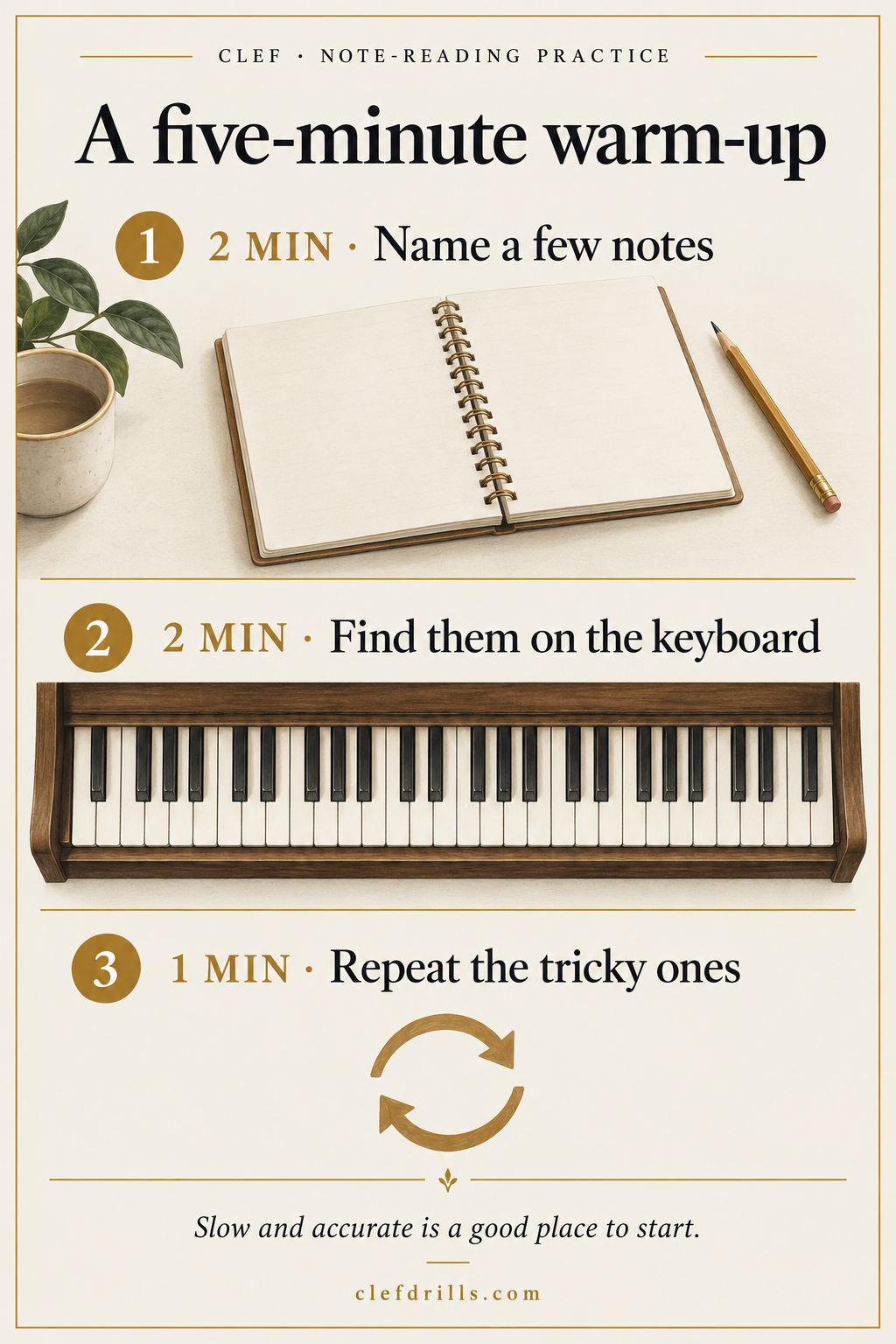

PRINTABLE PRACTICE LOG
A seven-day note-reading log
Print it and fill in one row a day: the notes you recalled, your tricky spot, and what to practise next. Go slowly and return to the notes you hesitate on.
Download the printable log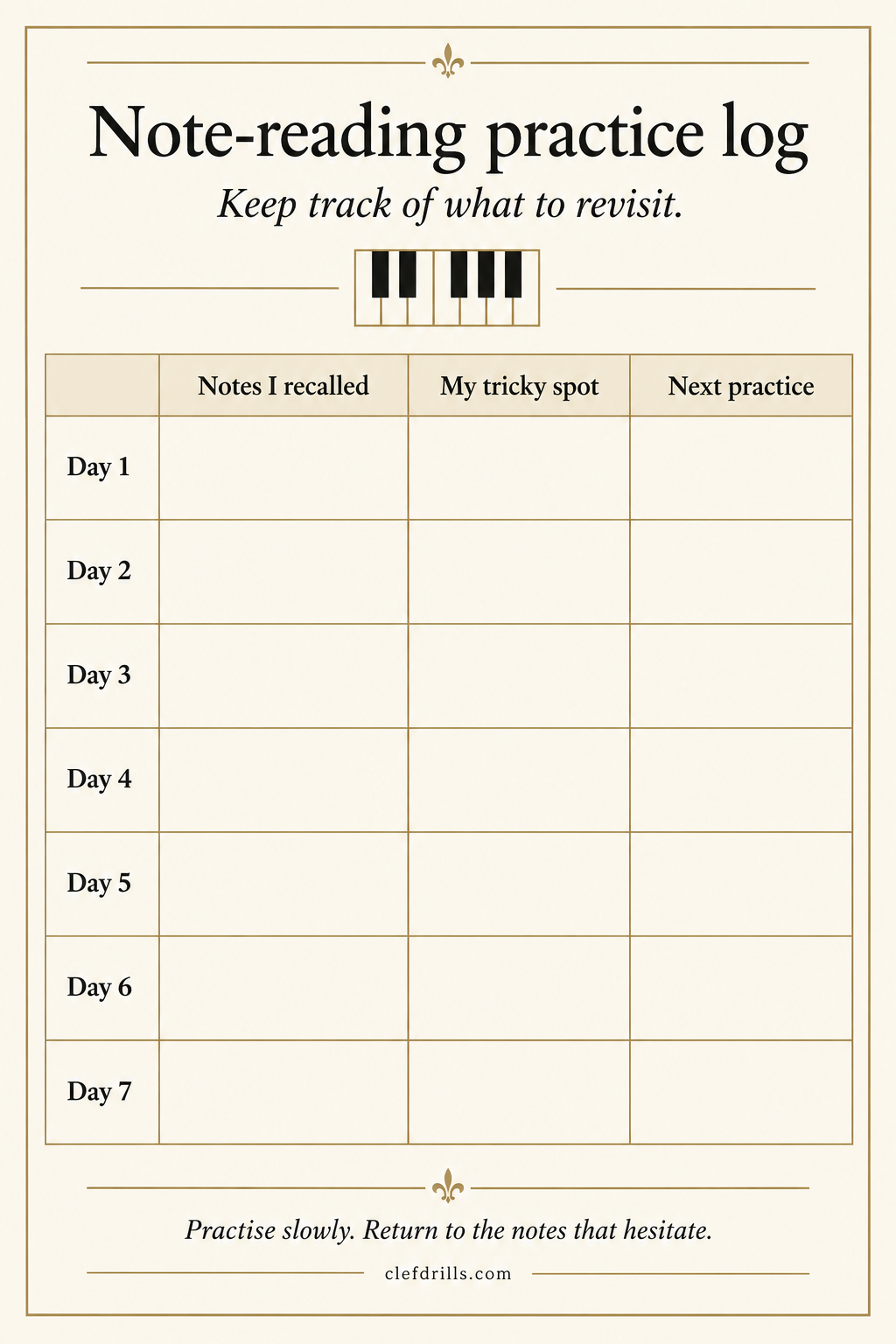
ON iOS
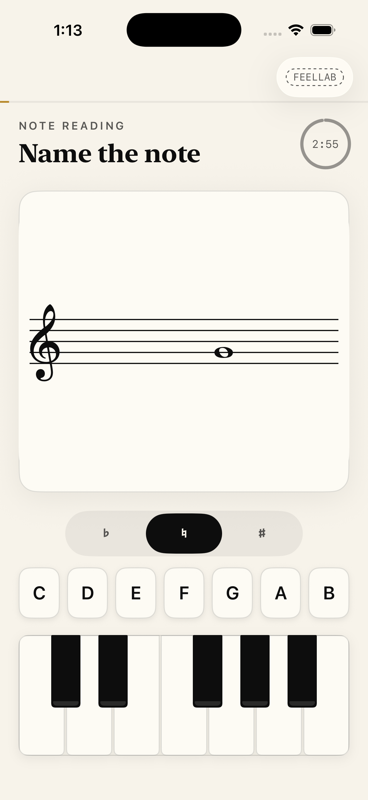
See it, then download it
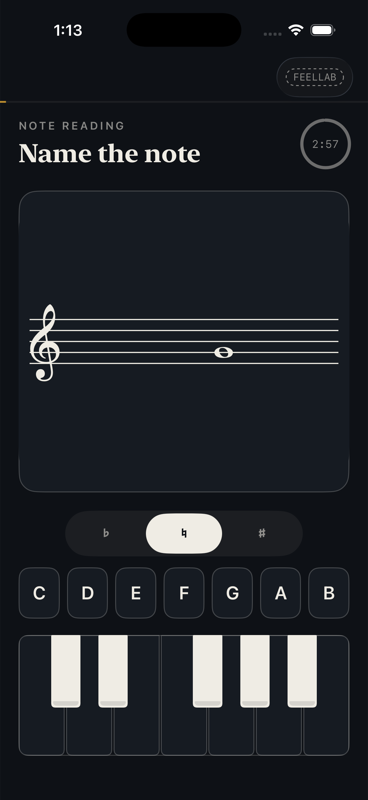
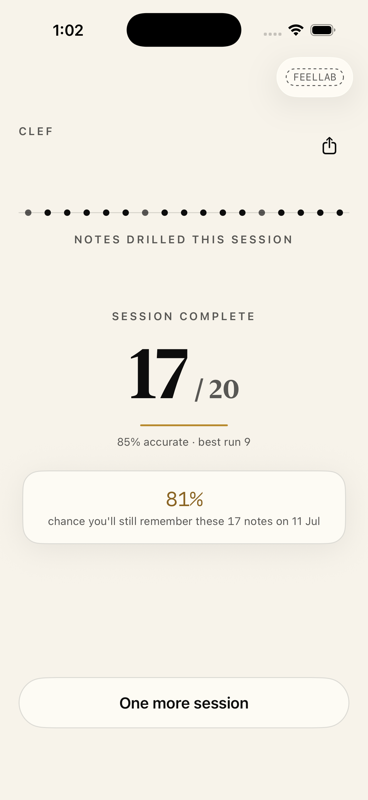
GET CLEF
Clef is live on the App Store.
The free tier includes unlimited focused treble- and bass-note drills with streaks, plus one mixed daily session that can sample all 15 tracks. Focused practice on the other tracks and additional daily sessions require full access.
Annual is $39.99/year ($3.33/month equivalent, billed annually). Monthly is $6.99/month. Lifetime is $99.99. The App Store shows your local price before purchase. Requires iOS or iPadOS 26 or later.
QUESTIONS
Questions before you join
Who is Clef for?
For adult beginners and returning players who can find middle C but still decode notes slowly. Sight reading is the flagship track. The same app also trains both clefs, ledger lines, intervals, key signatures, five-finger patterns, triads, scales and arpeggios, so there's plenty of room to grow.
Is Clef only about reading sheet music?
No. Clef is a piano training app with 15 focused tracks covering reading, keyboard mapping, intervals, key signatures, patterns, chords, scales, arpeggios and hand coordination. New material is included in the relevant free tier or paid plan; the free mixed daily session can sample every track.
Won't this be too basic for me?
Clef currently has 15 focused tracks: treble notes, bass notes, grand staff, ledger notes, intervals, key signatures, keyboard mapping, five-finger patterns, triads, seventh chords, triad inversions, major scales, minor scales, arpeggios and hand coordination. The scheduler uses your answers to choose later practice; it cannot guarantee a learning outcome.
Why not just use a gamified app?
Some music apps use characters, points or competitive rewards; others do not. Clef keeps a streak but puts the drill and feedback first, without mascots or points. Choose the approach that helps you practise consistently; no app can guarantee progress.
Do I need a MIDI keyboard?
No. In this browser demo, use the answer buttons or your computer keyboard; Web MIDI is optional when your browser and device support it. In the iOS/iPadOS app, use its on-screen controls or a connected MIDI keyboard. Clef does not listen to an acoustic instrument through the microphone or import MIDI files.
What is free in Clef?
The free tier includes unlimited focused treble- and bass-note drills with streaks, plus one mixed daily session that may sample all 15 tracks. Focused practice on the other tracks and additional daily sessions require Annual at $39.99/year ($3.33/month equivalent, billed annually), Monthly at $6.99/month, or Lifetime at $99.99. Prices shown are the documented US amounts; the App Store displays your local price before purchase.
Why does Clef offer subscriptions?
Subscriptions support continued development and unlock focused practice on the other tracks plus additional daily sessions. Focused treble and bass drills and one mixed daily session stay free; Lifetime is available for people who prefer a one-time purchase.
When does Clef launch on the App Store?
Clef is live on the App Store now for iOS and iPadOS 26 or later. Focused treble and bass drills plus one mixed daily session are free; focused access to the other tracks and additional sessions are available as Annual, Monthly, or Lifetime.
How do I learn to read sheet music?
Start with a small set of treble-clef notes. Learn where each sits on the staff, name it, and find the matching piano key. Check mistakes before repeating the exercise. Choose a practice schedule you can maintain and adjust it to your progress; no fixed session length guarantees faster learning.
What is the best way to practice note reading?
Rapid repetition with immediate feedback. Instead of reading through songs, isolate the single skill of note identification, answer as fast as you can, and let a scheduler resurface the notes you get wrong more often. That is what this trainer does in a 3-minute session.
How do I remember the treble clef notes?
The lines from bottom to top are E, G, B, D, F and the spaces spell F, A, C, E. Mnemonics get you started, but fluency comes from drilling until you no longer count up from a reference note. This name-the-note game is built for exactly that.
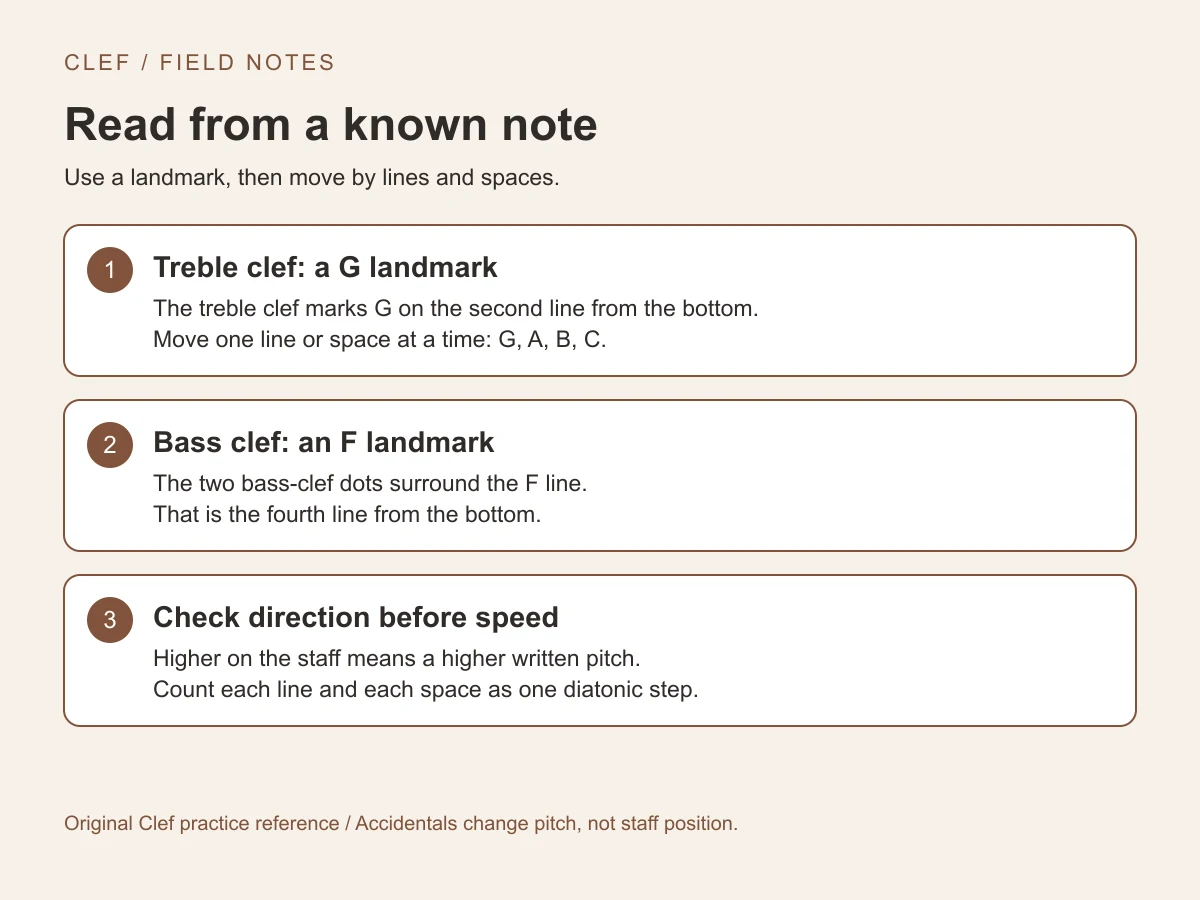
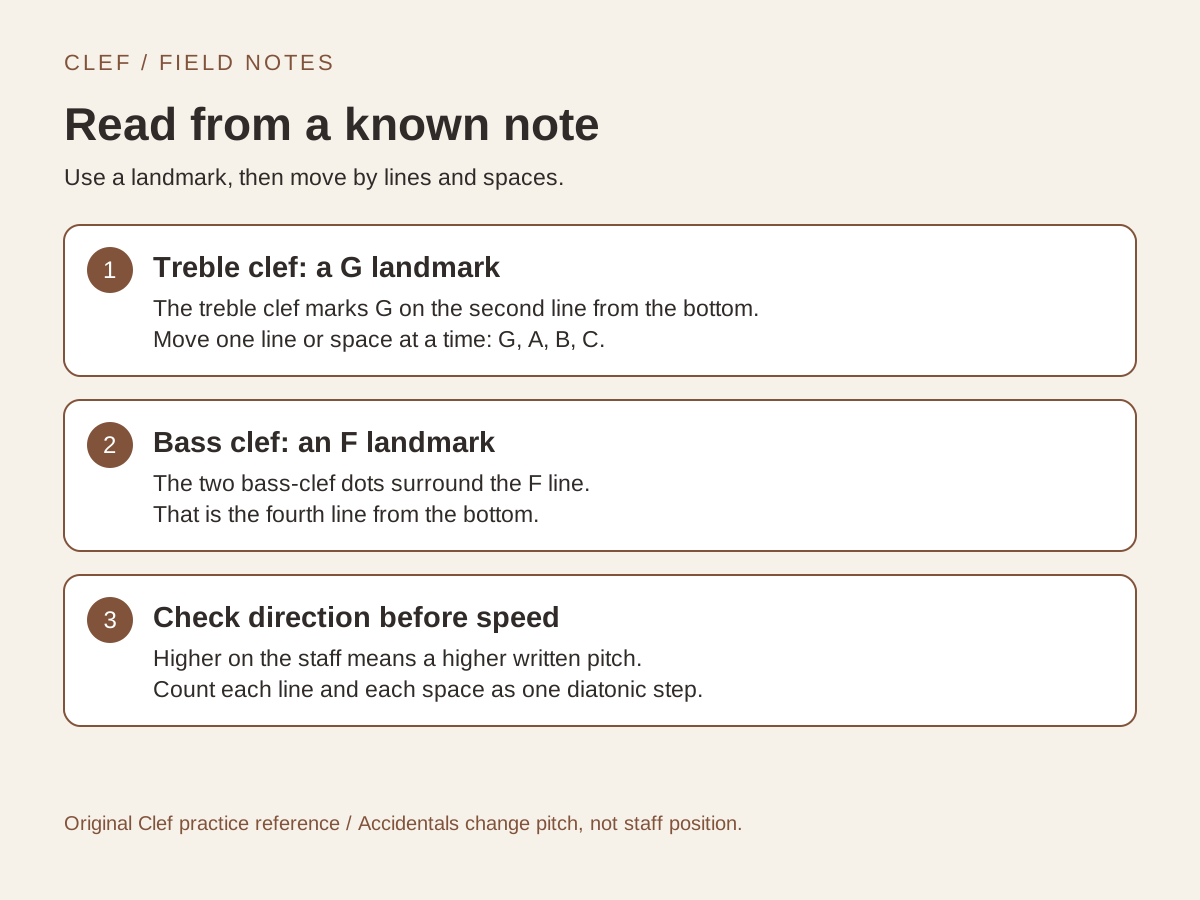
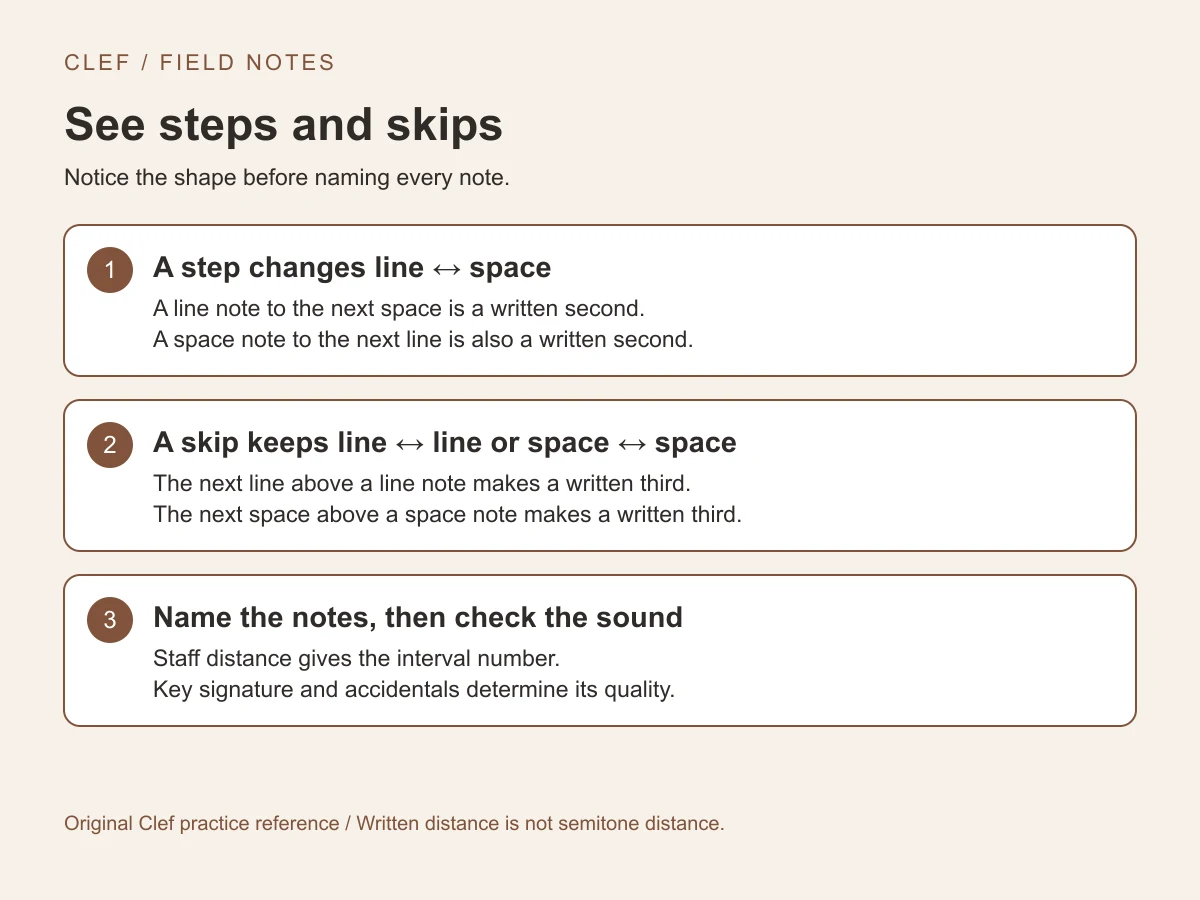
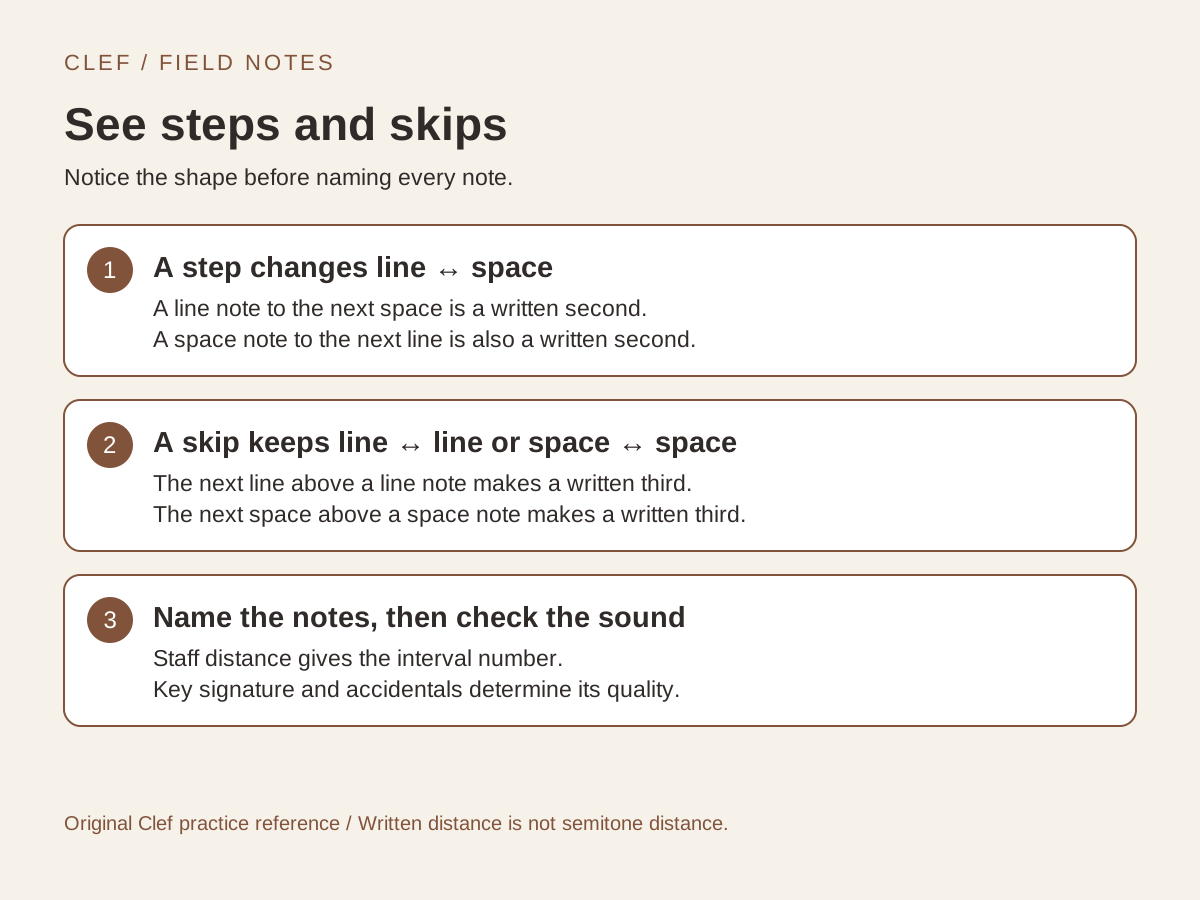
Two references for reading the staff
Use a known note to orient yourself, then notice steps and skips. These cards describe written pitch; listen and check accidentals as you practise.